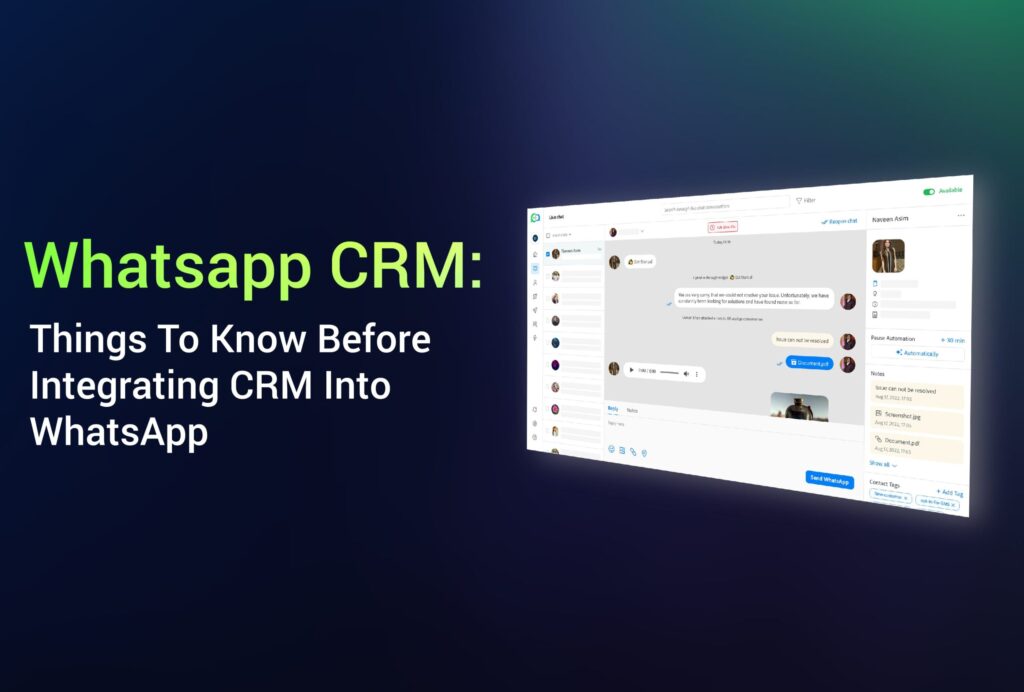
WhatsApp CRM: 5 Things To Know Before Integrating CRM Into WhatsApp
WhatsApp CRM integration offers several benefits for startups and established enterprises. But first, there are certain things you need to know about these integrations and sort them out.
Before we continue, we will be making the following two assumptions:
- You have a CRM (Customer Relationship Management).
- You use WhatsApp Business to communicate with your customers.
While the CRM helps you organize customer data and improve customer service and relations, WhatsApp will allow you to connect and nurture millions of customers worldwide.
If you have been using the two separately, you’ll probably have a decent idea about how hard it is to switch between the two. The good news is that you can integrate these two into a single service known as WhatsApp CRM to reduce your efforts to a single and effective workflow.
What is WhatsApp CRM?
WhatsApp CRM is a customer relationship management software integration with the WhatsApp Business API account.
Regardless of the CRM software, you can merge it with your WhatsApp communication efforts. However, using one of the leading CRM services for this purpose is highly recommended.
This way, your agents efficiently offer better customer service, boost customer retention, and ultimately grow your business.
5 Things To Know Before Integrating CRM To WhatsApp
1- Registering WhatsApp API Numbers
First, WhatsApp with your CRM requires a WhatsApp API account, and those accounts should be linked to a phone number owned by the business.
The number that will be linked to WhatsApp API can belong to a landline or a mobile phone number. As long as it can receive calls and text messages, it’s good to go.
Always remember that once you have linked a phone number to a WhatsApp API, it is non-transferable and can not be used for other WhatsApp API accounts.
2- Messaging Restrictions
With WhatsApp’s two billion user base, you may think it makes for a great marketing channel, but it’s not that simple.
First, having a customer’s WhatsApp number on the file doesn’t mean you can message them freely. That’s because WhatsApp API messaging is via opt-in only.
According to WhatsApp, to initiate a message to a person, you must first receive opt-in permission confirmation that they wish to receive future messages from you on WhatsApp.
WhatsApp also mandates that messages initiated by businesses must be transactional messages in the form of “message templates.” Flight change notifications, shopping updates, and refund confirmations are some of the most common examples of transactional messages.
In other words, bulk marketing messages are strictly prohibited.
3- Complying with Data Privacy Laws
WhatsApp CRM integration allows businesses to support a team inbox accessible by multiple agents. With several eyes on sensitive information, it’s crucial to ensure that you adhere to WhatsApp’s business policies.
In a nutshell:
- You are responsible for acquiring the essential permits to “collect, use and share” customer data.
- Data collected must only be used to “support messaging.”
- Do not send or request health-related information.
- Do not share customer information with other customers.
We recommend you thoroughly read WhatsApp’s Business Policy page for more information.
4- CRMs Offering WhatsApp Integrations
One of the most important things to consider is whether the CRM you are using (or thinking about using) is compatible with a WhatsApp integration.
The good news is that WhatsApp can be integrated with most leading CRM services. Though CRMs vary from one to another, the benefits of integrating WhatsApp with them are similar.
5- Accessing WhatsApp Business API
Apart from having an account with the CRM of your choice, you should also have access to a WhatsApp Business API.
Obtaining access to the WhatsApp Business API requires applying to WhatsApp for an API account and getting it approved.
While you can do that yourself, the process can be technical, tedious, and time-consuming. Otherwise, you can also apply through an official WhatsApp Business Solution Provider. The process will be faster through them, and the acceptance rates will increase.
Final Thoughts
WhatsApp CRM integration is a great way to improve your company’s communication efforts and overall customer experience.
WhatsApp integrated CRM can set your business toward long-term success by offering various features such as broadcasting media-rich messages and automatically capturing leads.
Book a free consultation session with us if you wish to learn more about integrating WhatsApp with your business.