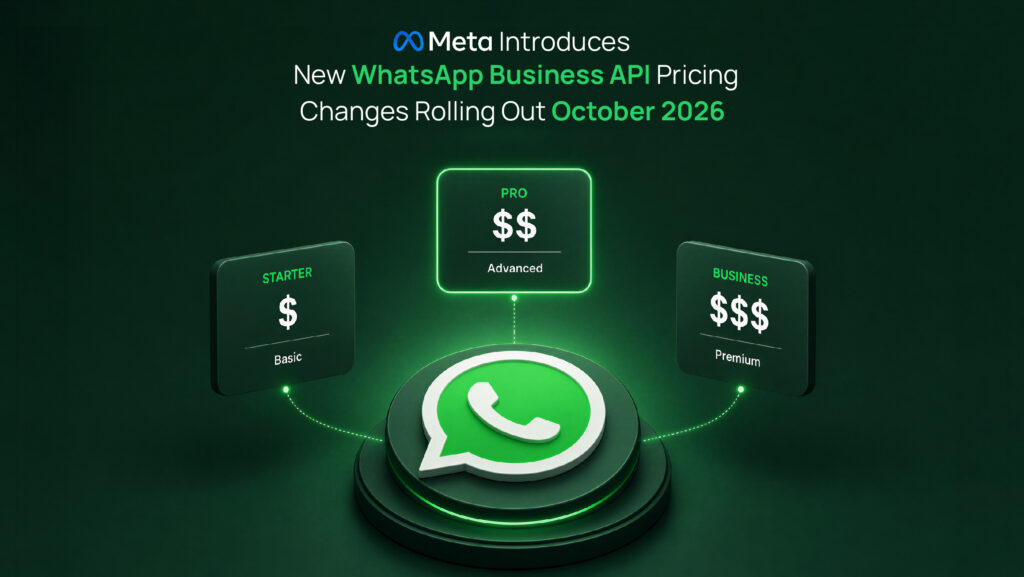
Meta Introduces New WhatsApp Business Pricing: Changes Rolling Out October 2026
Under a new pricing structure announced by the company, businesses using Meta’s WhatsApp Business Platform will begin paying for certain messages sent to customers starting October 1, 2026.
The change applies to organizations that use the WhatsApp Business Platform (formerly the WhatsApp Business API) to manage large-scale customer communications. Regular WhatsApp users and small businesses using the standard WhatsApp Business app are not the main targets of the new charges.
Starting 1 October 2026, Meta will move to a per-message billing model for Service Messages (free-form customer support replies sent inside the 24-hour customer service window) and for Utility Template messages sent within that same window.
The Pricing Explainer PDF explains Meta’s full WhatsApp Business pricing model, including message categories, regional rates, and volume tiers, and has been updated to reflect pricing changes rolling out from October 1, 2026.
What Is Changing vs. What Remains Free?
|
Category |
Status Before 1 Oct 2026 |
Status Effective 1 Oct 2026 |
| Incoming Customer Messages |
Free |
FREE (No charge to receive) |
| 72-Hour Click-to-WhatsApp Ad Window |
Free |
FREE (Messages inside ad-initiated windows remain free) |
| Service Messages (Agent/Bot replies inside 24-hr window) |
Free |
CHARGED per message |
| Utility Templates (Sent inside 24-hr window) |
Free |
CHARGED per message (at standard Utility rates) |
| Marketing & Authentication Templates |
Charged |
CHARGED (No change to current billing rules) |
Understanding the “Customer Service Window”
- Does the 24-Hour Window still exist? Yes. When a customer messages your business, a 24-hour window opens, allowing your support team or chatbot to reply with free-form text without needing pre-approved templates.
- Is it still free? No. While the window gives you the operational capability to send unstructured messages, each outbound reply sent by an agent, chatbot, or third-party AI integration within this window will now incur a per-message charge.
Recommended Next Steps
To prepare for this change, we recommend reviewing your current messaging workflows:
- Optimize Response Length: Train live support agents and optimize chatbot logic to resolve customer inquiries in fewer, consolidated messages rather than multiple short back-and-forths.
- Utilize Interactive Tools: Leverage single interactive elements like WhatsApp Flows or List Messages to collect information in a single turn instead of multi-step text prompts.
Understanding WhatsApp Business API pricing and its implications for your business can feel complex. However, you can explore WhatsApp’s pricing model here to better understand your specific use case.
For more information, let us help you create engaging customer experiences and enhance customer service through a comprehensive set of WhatsApp Business API solutions.