WhatsApp Business App vs WhatsApp Business API: What Will Change for Your Business in 2026?
A customer sends a WhatsApp message, your team replies, and another order comes in; before you know it, the chat list is filling up. Managing a few customer conversations may feel easy at first, but as questions, orders, and follow-ups increase, keeping every conversation organized becomes harder.
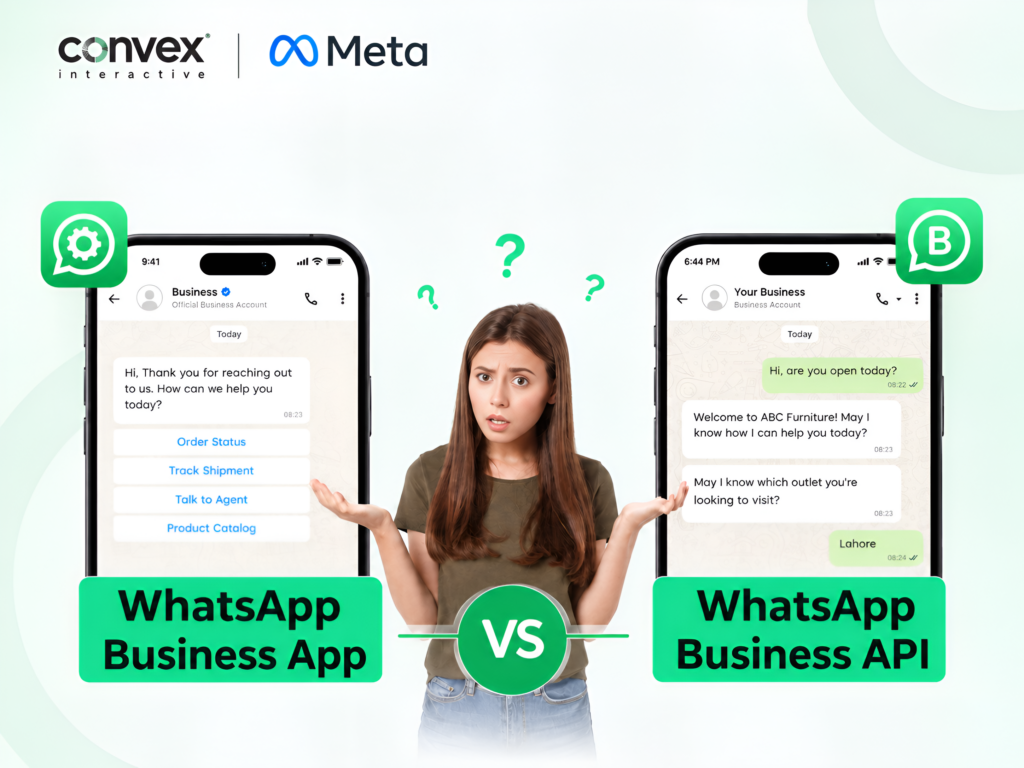
The way you manage those growing conversations depends largely on whether you use the WhatsApp Business App or WhatsApp Business API, which is very different in its own way.
However, the WhatsApp Business App keeps customer communication simple for everyday business conversations, while the WhatsApp Business API gives growing businesses more ways to automate chats, connect their tools, and manage communication across larger teams.
At Convex Interactive, we break down both options to help you understand how they differ as your business grows. Explore this 2026 comparison of the WhatsApp Business App vs WhatsApp Business API to see how they differ in features, automation, integrations, and scalability.
WhatsApp Business App and WhatsApp Business API: What Are They?
The WhatsApp Business App is a free mobile app that helps small businesses manage customer conversations directly. In contrast, the WhatsApp Business API, officially known as the WhatsApp Business Platform, is designed for medium and large businesses that need advanced tools to manage customer communication at scale.
WhatsApp Business App
- Best for Small Businesses: Ideal for freelancers, solopreneurs, and small businesses that manage customer chats directly.
- Simple Setup: Download the app, create your business profile, and start communicating with customers without technical setup.
- Built-in Business Tools: Offers catalogs, quick replies, greeting messages, away messages, and labels for everyday customer communication.
- Easy Team Management: Supports linked devices, making it practical for small teams handling customer conversations together.
- Basic Automation: Helps automate simple replies and routine messages but has fewer options for advanced customer workflows.
- Limited Integrations: Works well for businesses that do not need deep connections with CRMs, helpdesks, or other business software.
WhatsApp Business API
- Best for Growing Businesses: Designed for medium and large businesses that manage a higher volume of customer conversations.
- Advanced Team Management: Lets larger teams and different departments manage customer communication through connected business platforms.
- Powerful Automation: Supports chatbots, automated workflows, notifications, and customer journeys for more efficient communication.
- Business Integrations: Connects WhatsApp with CRMs, helpdesks, e-commerce platforms, and other business systems.
- Technical Setup: Requires a Business Platform setup and may involve developers, technical resources, or a Business Solution Provider.
- Built for Scale: Helps businesses manage growing conversations while keeping customer support, sales, and communication more organized.
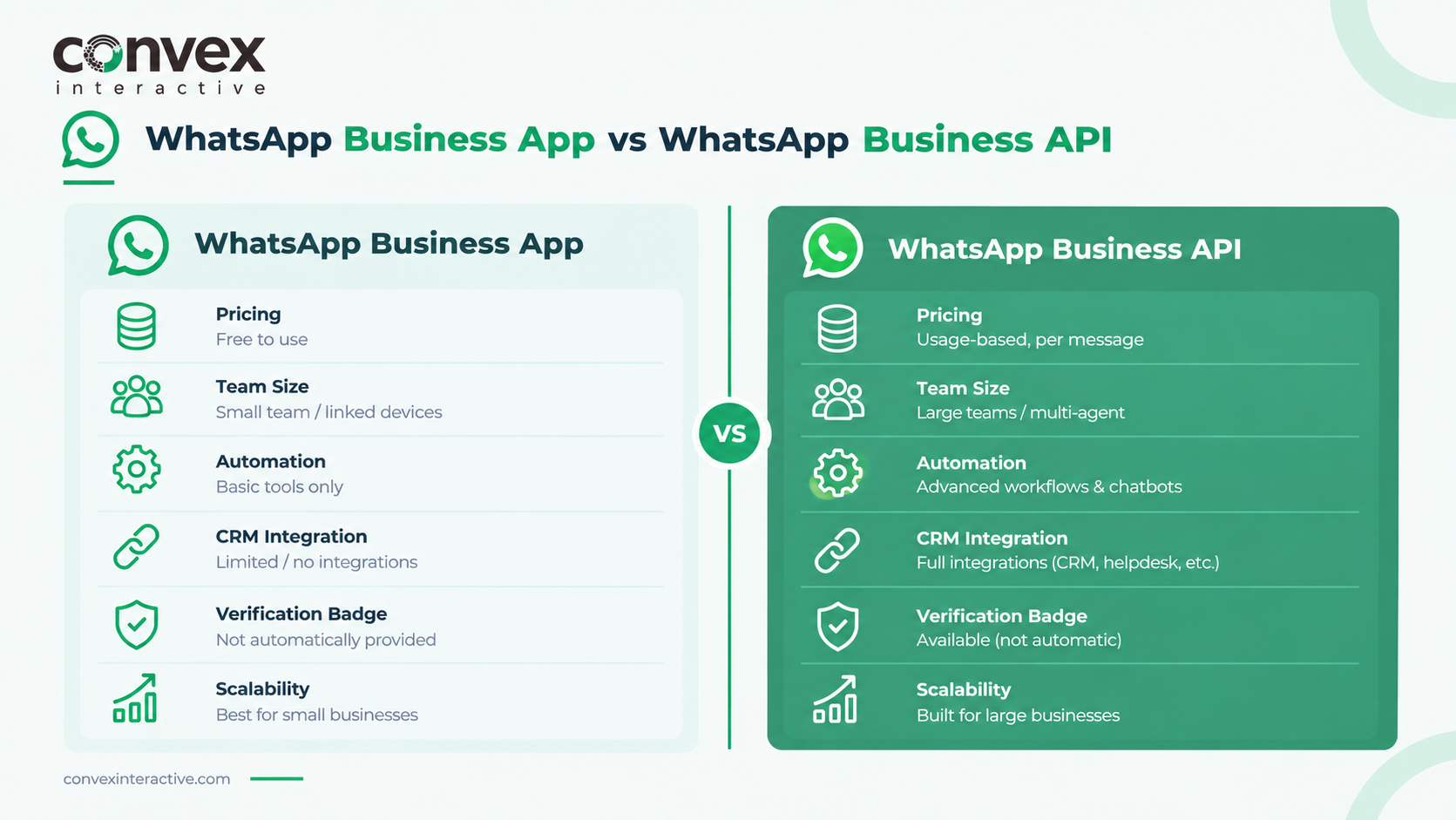
Key Difference between WhatsApp Business and WhatsApp Business API
| Pricing | Free to download and use | Usage-based, priced per message category and country |
| Team Size & Users | A few linked devices | Multi-agent, unlimited team access via connected tools |
| Automation & AI Chatbots | Basic auto-replies only | Full chatbots, workflows, AI-driven journeys |
| Bulk Messaging & Broadcasts | Broadcast lists, limited reach | Scalable messaging via approved templates |
| CRM & Tool Integrations | Standalone, no real integrations | Connects to CRMs, helpdesks, e-commerce, custom apps |
| Message Templates & Buttons | Basic replies only | Approved templates with interactive buttons |
| Green-Tick Verification | Not automatic | Available through Meta’s verification program |
| Analytics & Reporting | Basic message activity view | Deeper reporting via connected tools |
| Product Catalog | Built-in catalog on profile | Catalog usable across broader commerce workflows |
| 24-Hour Messaging Window | Not applicable to direct replies | Free-form replies within 24h; template required after |
| Voice Calling | Native voice/video, no permission needed | Voice-only via Calling API, requires customer permission |
| Groups Support | Full native group support | Built for 1:1 conversations, not group-based |
| Scalability | Fine for small, manageable volume | Built for growing, high-volume communication |
Want to understand the WhatsApp Business API in more detail, including its features, setup, pricing, integrations, and real-world use cases? Read our complete WhatsApp Business API guide for a deeper look at how it works and how businesses can use it effectively.
WhatsApp Business API and App: When to Use Each
Choose the WhatsApp Business App when your business is small, and you mainly handle customer chats yourself. It works well when conversations are manageable, and you need simple tools for daily customer communication.
As your business grows, WhatsApp Business API can help you handle more customer chats and build a more organized support process. It is better suited for medium and large businesses that need to manage conversations at a larger scale.
WhatsApp Business API or App: Which One Should You Choose?
You Should Use WhatsApp Business App If:
- You regularly engage with hundreds of customers through WhatsApp.
- Only 2–3 people manage your customer support conversations.
- Your business does not depend on instant responses to every customer.
- You can comfortably handle customer interactions without a larger support team.
- You don’t need to connect WhatsApp with your CRM or other business tools.
- Your customer conversations are straightforward and easy to manage manually.
- You prefer having direct control over everyday customer communication.
You Should Use WhatsApp Business API If:
- You’re handling a large and potentially large number of customer conversations.
- You need to send automated notifications, updates, and customer messages.
- You want to improve customer support while reaching more people efficiently.
- More than 2–3 team members need access to customer conversations.
- Your business depends on quick, organized, and continuous customer communication.
- You need to connect WhatsApp with your CRM, helpdesk, or other business software.
- You have a technical team that can build and manage API-based solutions.
FAQs
Can WhatsApp Business App Be Used for a Small Business?
Yes, the App is a good choice for owners who manage customer chats themselves. It offers helpful tools such as quick replies, catalogs, labels, and welcome messages. For basic communication, it can meet everyday customer needs without a complex setup.
What can WhatsApp Business API do that the App cannot?
The API lets companies connect WhatsApp to CRMs, support platforms, and other business systems. It can also automate replies and give multiple staff members access to customer conversations. This makes it useful for teams handling a high volume of chats.
Does WhatsApp Business API cost more than the App?
The WhatsApp Business App is free to download, but API usage may incur messaging and provider fees. Total cost varies based on your setup, provider, and message activity, so review these costs before choosing an option.
When should a business move from the App to the API?
Moving to the API can make sense when manually handling chats takes too much time. It is useful when you need more staff, automated conversations, or integrations with other tools. This setup gives a growing company more ways to manage customer communication.
What’s the difference between calling on the WhatsApp Business App and the WhatsApp Business API?
The App’s calling feature is the standard WhatsApp voice/video call that anyone can use. The WhatsApp Business Calling API works differently. It’s voice-only for now, and a business needs the customer’s permission before it can place an outbound call.